Does Vision Insurance Cover Smart Glasses
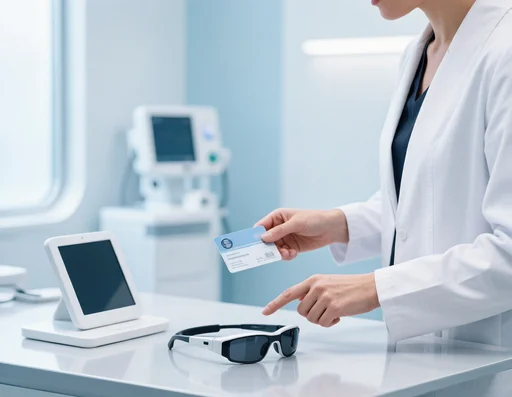
Vision insurance generally covers the prescription lenses fitted into smart glasses, but not the smart glasses electronics themselves — the frame and tech are treated as a consumer electronics accessory in most plans. The short answer: expect help with lenses, not the device.
This is a genuinely important question for buyers, because the answer shapes how much a smart frame really costs. Here’s the honest breakdown of how insurance typically treats the two parts:
| Component | Typical insurance treatment |
|---|---|
| The smart glasses frame + electronics | Not covered — consumer electronics |
| Prescription lenses (on supported frames) | Possibly partially covered, plan-dependent |
| Vision exam to get your prescription | Usually covered under standard vision plans |
| Assistive/medical vision devices | Varies; needs a medical prescription |
Because policies differ, always check your specific plan. Many smart frames support prescription lenses — ours do — so you can often route the optical part through your normal vision benefits while paying for the electronics out of pocket.
Do Meta Smart Glasses Have a Display
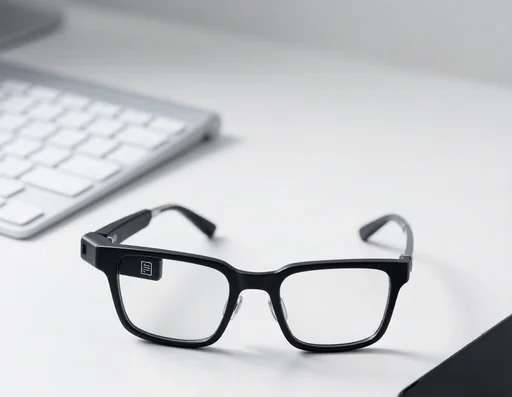
No — Meta smart glasses do not have a display. The mainstream Meta and Ray-Ban Meta frames are screenless; you get audio, camera capture, and app-based AI, but no image projected on the lens. Only the niche premium AR flagships (not the Meta line) carry a micro-display HUD.
The display confusion is widespread, so let me settle it once:
- Meta / Ray-Ban Meta — no screen. Audio + camera + app AI.
- Amazon Echo Frames — no screen. Audio + Alexa.
- Audio-first frames (ours) — no screen. Audio only.
- Premium AR models — micro-display HUD, separate high-end category.
Screenless is actually a selling point: no display means longer battery, fewer privacy questions, and lower cost. If you want a HUD, you’re looking at the premium AR corner, not the Meta line.
How to Turn Off Smart Glasses
You turn off smart glasses by folding them or putting them back in the charging case — most models sleep automatically when folded and wake when opened. On frames with an explicit control, a long press on the temple touch-pad powers them down.
The practical ways to power down:
- Fold the temples — most models auto-sleep on fold.
- Return to case — powers off and starts charging.
- Long-press touch-pad — on models with an explicit off gesture.
Our TW201 uses a Hall-switch, so folding it off is automatic — no forgotten power state to drain the battery.
What Are Smart Glasses and What Do They Do
Smart glasses are eyewear with built-in speakers, microphones, and sometimes a camera — they take calls, play music, run a voice assistant, and (on camera models) capture first-person content, all while looking like normal glasses. That’s the complete definition in one line.
The everyday things smart glasses do:
| Task | How it works | Frame type |
|---|---|---|
| Calls | Bluetooth open-ear audio | All smart glasses |
| Music | Open-ear speakers | All smart glasses |
| Voice assistant | Press + talk | All smart glasses |
| Photos/video | Built-in camera | Camera models |
| Translation/AI | Connected phone AI | AI flagships |
Do Smart Vision Glasses Work
Smart vision glasses work for what they’re designed to do — calls, music, capture — but they are not a medical device that corrects vision or treats eye conditions. Don’t expect them to replace prescription lenses or therapy.
The honest boundary:
- They work as audio/capture wearables — reliably.
- They’re not vision-correction — for that you need prescription lenses (available on many models) or an eye-care professional.
- Don’t buy them for a medical need — that’s a different product category.
How to Factory Reset Meta Ray Ban Smart Glasses
To factory reset Meta Ray-Ban smart glasses, open the Meta View app, go to device settings, and choose factory reset — this clears your data and pairing, returning the glasses to out-of-box state. You’ll re-pair them afterward as if new.
When you’d reset:
- Selling or gifting — clear your account and media first.
- Persistent pairing issues — glasses won’t reconnect.
- Troubleshooting — a glitchy frame.
After a factory reset, re-pair through the app. For audio-first frames that pair like any Bluetooth device, “reset” is usually just unpair and repair.
When Are Google Smart Glasses Coming Out
Google has not announced a release date for current consumer smart glasses, so there’s no confirmed “coming out” date — Google’s smart glasses are in rumor and R&D stage, not a shipped product. Treat any claimed date as speculation until Google officially announces retail availability.
This mirrors Apple and Samsung: endless rumor headlines, no mainstream consumer frame on shelves today. Available now are the Meta/Ray-Ban line, Amazon Echo Frames, Solos, and factory-direct brands like ours. Buy for a present need; set an official-announcement alert if you specifically want Google.
Bottom Line
Vision insurance usually covers the lenses but not the smart glass electronics; Meta and Ray-Ban frames have no display; turning off is as simple as folding or casing. Smart glasses are defined by calls, music, assistant, and optional capture — not vision correction. Resets run through the app, and Google isn’t shipping consumer frames yet. Match the frame to your real day.
Covering Lenses — and the Frame That Fits
Since insurance usually covers lenses more than the electronics, a frame that accepts prescription lenses is the smart buy. Our YJ009-M2 magnetic dual-lens frame supports prescription and lets you swap clear and polarized lenses for indoor and outdoor. It’s built in our factory and available factory-direct with wholesale pricing.
If you’re interested in our smart glasses series, feel free to get in touch with us. As an original manufacturer with full production capacity, we offer direct factory supply and customizable solutions to meet your business demands. We look forward to establishing long-term win-win cooperation with you. We offer a full range of smart glasses equipped with diverse functions tailored for all usage scenarios.