Rain and sweat can leave moisture, salt and skin residue on lenses, nose pads, hinges and charging contacts. Cleaning smart glasses is therefore partly an optical task and partly an electronics-care task. The correct method depends on the exact model. Do not assume a water-resistance rating means the frame can be rinsed under a tap, and do not put damp glasses straight into a charging case. This guide separates the immediate drying steps from routine cleaning and shows which model-specific instructions to check first.
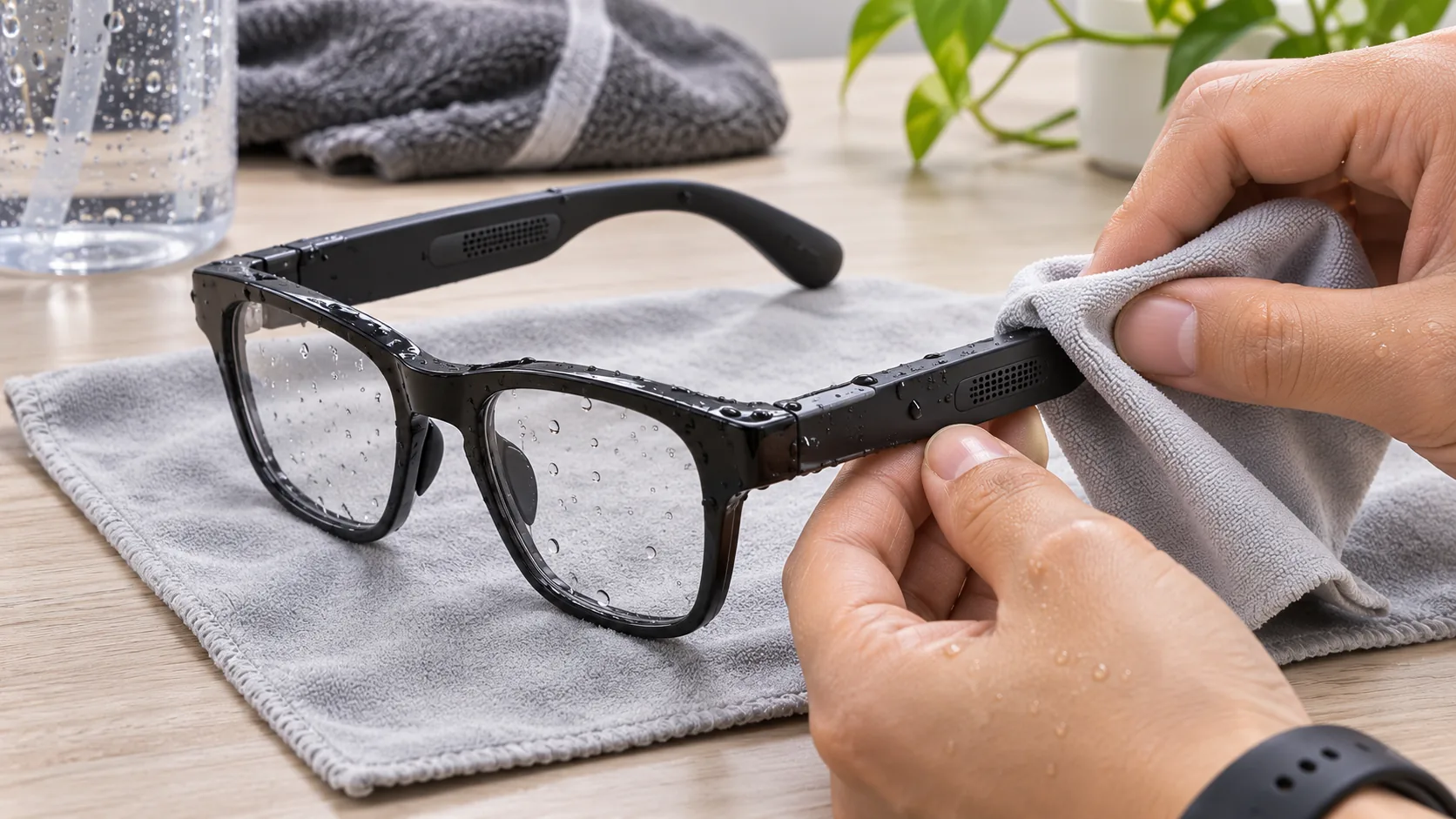
First assess the exposure, then stop charging
A few drops of rain on the outside of a frame are different from immersion, a soaked case or moisture inside an electronic housing. If water is visible, remove the glasses and follow the maker’s instructions for the exact model. Do not connect the charging cable or dock wet contacts. Ray-Ban’s official Meta smart-glasses FAQ says its IPX4-rated model can tolerate light rain, but is not designed for submersion or prolonged liquid exposure. It instructs users to dry the product thoroughly and clear residue from charging areas after water exposure. That guidance applies to the specified Ray-Ban models; it should not be transferred automatically to the site’s linked products.
If the frame was submerged, exposed to salt water, damaged, hot, emitting an unusual odor or behaving abnormally, stop using it and ask the manufacturer for model-specific service instructions. A blog cannot tell whether liquid reached the battery or circuitry. Avoid attempts to “test” a wet unit by repeatedly powering it on. The aim of an immediate response is to prevent further contact with power and to preserve the information needed for service. Note what liquid contacted the glasses and whether the case was affected too.
| Observed situation | Immediate action | Do not assume |
|---|---|---|
| Light rain on frame exterior | Remove and dry according to the model manual | That IPX4 or another rating means rinsing is allowed |
| Sweat on temples and nose bridge | Wipe residue gently and inspect contact areas | That a dry lens wipe alone removes all salt or skin oil |
| Wet charging case | Keep glasses undocked until both are dry and maker guidance is followed | That a dry-looking frame makes the case safe to use |
| Immersion or abnormal behavior | Stop use and contact the maker or service provider | That a home cleaning method can verify internal safety |
Use the maker’s cleaning method for the actual frame
Ray-Ban’s official FAQ says to clean its glasses with a dampened cloth and mild soap while avoiding solvents and alcohol, dirty or abrasive cloths, and running water. It also directs users to gently clean lenses, camera lens and nose-bridge charging contacts, then dry the glasses before wearing or returning them to the case. See the Ray-Ban Meta cleaning answer and the brand’s safety and care booklet. If your frame is from another maker, use its own instructions even if the frames look similar.
The distinction matters because some lenses have coatings that can be damaged by unsuitable wipes, and some frames place electrical contacts in unusual positions. A cloth appropriate for the lens may not reach residue around the hinge or charging area. Conversely, a wet cloth should not be pushed into a microphone or speaker opening. Treat openings, buttons and the charging connector as parts to clean only as the model manual directs. If the instructions are missing, ask the seller for them before using alcohol, household spray, a brush, compressed air or an ultrasonic cleaner.
A practical low-risk sequence for ordinary exterior residue
After confirming the model-specific care guidance, begin with clean hands and a clean, soft cloth. Blot visible moisture rather than rubbing grit across a coated lens. If the maker permits a damp cloth, use it sparingly on the exterior surfaces and follow with the specified gentle drying step. Look carefully at the nose pads and the area where the frame meets a charging case, because sweat can collect there. Let the case dry separately if it was wet. Do not close the case over a damp frame merely to keep the glasses safe from loss.
For Ray-Ban Meta models, the FAQ’s mild-soap-and-damp-cloth method is more specific than a generic eyewear cleaning tip. The FAQ also says not to hold those glasses under running water. Follow the order and limitations in the current manual, including any warnings about the camera lens or charging bridge. For another brand, a different procedure may apply. This article is a decision aid, not a universal instruction to apply soap to every electronic frame.
Inspect the charging path before redocking
Moisture can affect both sides of a charging connection. Ray-Ban’s troubleshooting FAQ says a red charging-error indication can reflect liquid on the glasses or case; its advice includes undocking, cleaning and drying the nose-bridge area, then waiting for the glasses and case to be fully dry before trying again. That is a specific first-party example of why the case deserves inspection too. Do not repeatedly dock a frame that triggers a liquid-related warning. If the error continues after following the maker’s care instructions, ask for service rather than scraping contacts or opening the case.
Look for visible residue around the contact surfaces, but do not use a metal tool to remove it. A contact may be recessed or delicate, and a scratched coating can create a new fault. Keep the cloth used on salty or dirty areas separate from the clean lens cloth if needed. Store both cloths clean and dry between uses. If sweat is common during running or field work, a routine end-of-day wipe is easier than dealing with dried deposits, but the actual frequency should follow the maker’s instructions and your exposure pattern.
| Component | What to check | Why the distinction matters |
|---|---|---|
| Optical lenses | Grit, fingerprints and coating-safe method | Abrasive wiping can mark a lens |
| Nose pads and bridge | Sweat, skin residue and nearby contacts | Residue may affect fit or charging |
| Temples and hinges | Dried sweat and stable movement | Moisture can remain in creases |
| Speaker and microphone openings | Visible debris; maker-approved cleaning only | Liquid or tools can damage small openings |
| Charging case | Dry interior, clean contacts and normal status | A clean frame can still dock into a wet case |
What product photos cannot tell you
This site’s YJ006 sport music sunglasses and YJ010 smart glasses show two frame styles a buyer might use outdoors. Their appearance does not establish an IP rating, sweat tolerance, approved cleaner or charging-contact design. Ask for the current manual and model-specific care page before adopting a cleaning routine. If the manual describes a moisture warning or an indicator code, save that instruction where users can find it after an event or workout.
Cleaning guidance should be communicated to everyone who handles a shared or demo pair. A salesperson, repair shop and buyer may use different wipes unless the method is written down. For a retail demo, keep a clean cloth and avoid passing a damp frame directly to the next user or back into a closed case. For personal eyewear, inspect comfort as well as electronics after cleaning: a slipped nose pad or sticky temple can affect fit even when the lenses look clear.
When to stop home care
If the frame remains wet internally, shows persistent charging errors, develops corrosion, has swollen or damaged parts, or behaves unpredictably, stop trying routine cleaning and seek the maker’s service route. A successful power-on after exposure is not proof that the device is undamaged. Keep your purchase record and a concise description of the liquid, duration and symptoms. That information can help service staff decide whether cleaning, repair or replacement is appropriate under the actual product policy.
The practical rule is simple: identify the model, keep wet electronics away from charging, clean only by the maker’s method, and dry both the frame and case before reconnecting them. Rain and sweat create a maintenance need; they do not turn every smart frame into washable eyewear.