त्वरित उत्तर: A USB-C cable is part of the charging system, not merely an accessory. To get the expected output from a power bank, check the bank’s per-port Power Delivery profile, the device’s accepted input, and the cable’s stated power rating. A USB-C plug by itself does not guarantee a laptop will charge at the bank’s headline wattage. For a 65W setup, choose a cable rated for the needed current and verify the actual negotiated mode.
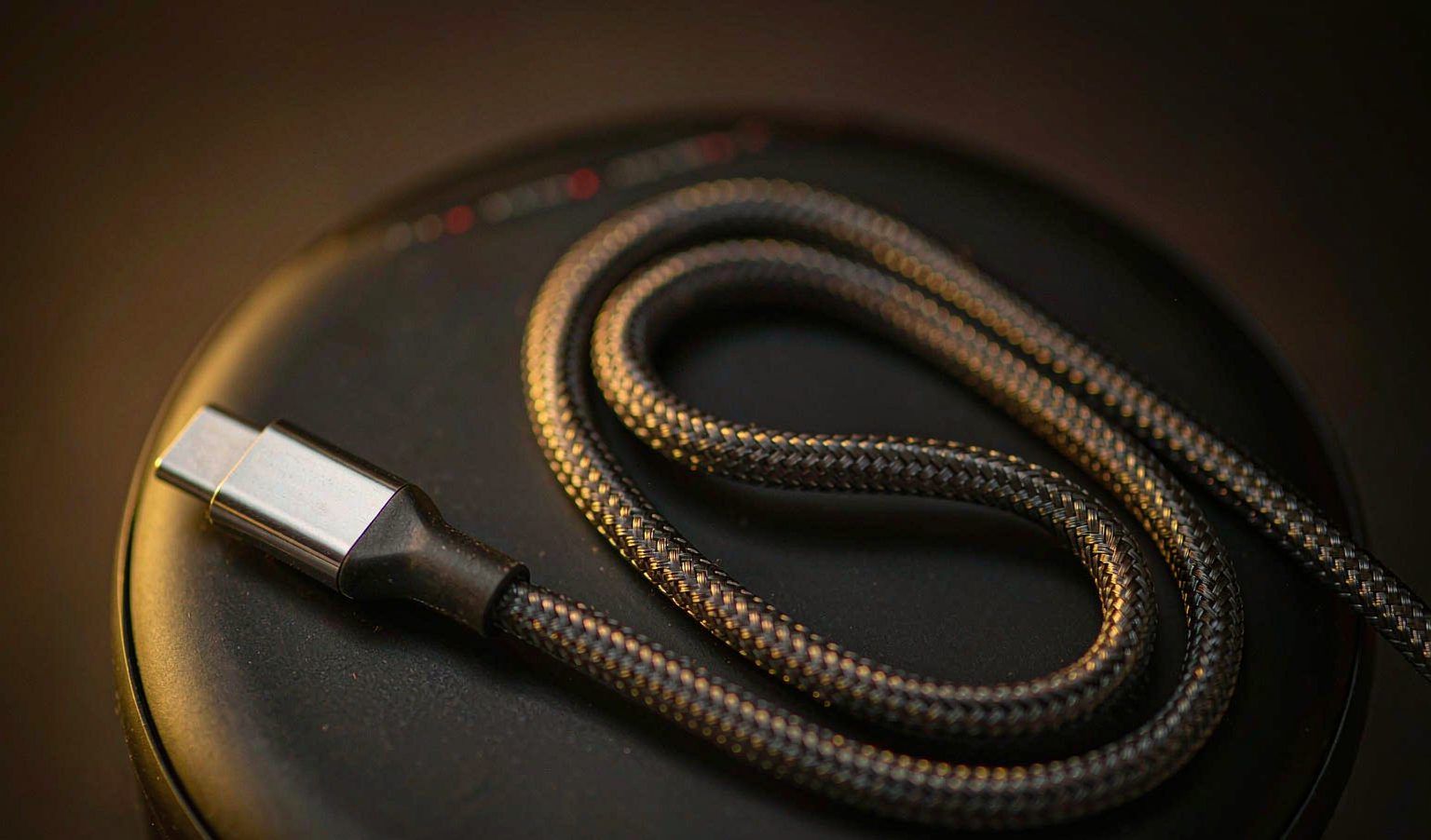
उन तीन रेटिंग से शुरू करें जो सहमत होनी चाहिए
The power bank is the source when it charges a phone or laptop. It advertises supported voltage and current profiles. The receiving device chooses a profile it can use. The cable must carry that current safely and communicate its capabilities when required. A 65W label on one port therefore cannot force a 65W charge into a phone that asks for less, and a thin or unsuitable cable may limit a laptop that could otherwise accept more. The USB Implementers Forum’s USB Power Delivery overview describes this negotiated approach.
बैंक की सिंगल-पोर्ट आउटपुट टेबल और इसकी मल्टी-पोर्ट टेबल को अलग से पढ़ें। उदाहरण के लिए, एक बैंक अकेले उपयोग किए जाने पर USB-C1 पर उच्च आउटपुट की अनुमति दे सकता है और जब USB-C2 पर कब्जा कर लिया जाता है तो उस पोर्ट को कम कर सकता है। वे उदाहरण मोड हैं, प्रत्येक उत्पाद के लिए विनिर्देश नहीं। केबल पहले परीक्षण में पर्याप्त हो सकती है फिर भी लैपटॉप दूसरे में धीरे-धीरे चार्ज होता है क्योंकि स्रोत ने अपनी पेशकश की शक्ति को बदल दिया है।
| लेबल या दावा | यह आपको क्या बताता है | क्या अभी भी जाँच की आवश्यकता है |
|---|---|---|
| यूएसबी-सी कनेक्टर | कनेक्टर आकार | बिजली वितरण समर्थन और वास्तविक प्रोफाइल |
| 60W केबल | एक घोषित शक्ति वर्ग | कंडीशन, मेकर डॉक्यूमेंटेशन और क्या डिवाइस को और चाहिए |
| 100W या 240W केबल | एक उच्च घोषित शक्ति वर्ग | क्या स्रोत और उपकरण अनुरोधित मोड की पेशकश करते हैं |
| 65W पावर बैंक | आमतौर पर बताई गई शर्तों के तहत अधिकतम | Which port, voltage profile and simultaneous-output limit |
| "फास्ट चार्जिंग" | एक व्यापक विपणन विवरण | प्रोटोकॉल, मापा शक्ति और डिवाइस का चार्जिंग वक्र |
3A और 5A केबल रेटिंग क्यों मायने रखती है
Power equals voltage multiplied by current. A 20V, 3A mode is 60W; delivering more at the same voltage requires a higher current and an appropriately rated cable. The USB Type-C specification distinguishes 3A and 5A cable assemblies and requires electronic marking for standard 5A USB-C cables. This is a technical reason to check a cable’s rating instead of choosing by color, braiding or thickness alone. Modern extended-power modes add further cable and equipment requirements; do not assume a cable advertised as “100W” supports every possible 140W or 240W mode.
A compliant 5A cable is useful only if the bank and receiving device can also negotiate a suitable profile. Replacing a working 3A cable with a higher-rated one does not make a 30W phone charge at 100W. Conversely, if a laptop requires more than a 60W-class path for its intended workload, cable capability becomes a possible bottleneck. Compare the laptop maker’s charging guidance with the bank’s output profile before spending money on a cable upgrade.
USB-C डेटा स्पीड एक अलग सवाल है
एक केबल मुख्य रूप से केवल बुनियादी डेटा ट्रांसफर की पेशकश करते समय चार्ज करने के लिए अभिप्रेत है। यदि आप इसे केवल पावर बैंक और फोन के बीच उपयोग करते हैं तो यह स्वचालित रूप से कोई दोष नहीं है। यह मायने रखता है कि जब एक ही केबल को वीडियो ले जाना चाहिए, डॉक कनेक्ट करना चाहिए या बड़ी फाइलों को स्थानांतरित करना चाहिए। USB-C एक कनेक्टर परिवार है जिसमें कई डेटा और पावर क्षमताएं हैं; जब खरीदार डेटा के लिए केबल का उपयोग कर सकते हैं तो चार्जिंग उत्पाद पृष्ठ दोनों को बताना चाहिए। यह मानने से बचें कि उच्च वाट क्षमता वाले लेबल का अर्थ उच्च गति वाला डेटा या प्रदर्शन समर्थन भी है।
OEM बंडल के लिए, तय करें कि शामिल केबल केवल एक चार्जिंग लीड है या एक सामान्य-उद्देश्य सहायक भी है। इसकी पावर रेटिंग, डेटा क्लास, लंबाई और पैक या मैनुअल पर मार्किंग बताएं। एक अस्पष्ट "यूएसबी-सी केबल शामिल" लाइन ग्राहकों के लिए यह जानना कठिन बनाती है कि वे इसे लैपटॉप या हब के साथ उपयोग कर सकते हैं या नहीं।
एक दोहराने योग्य केबल तुलना
Choose one power bank, one receiving device and one output port. Charge the device from a similar starting battery level with a known-good reference cable, then repeat with the candidate cable. Keep the device’s workload and temperature as close as practical. A compatible USB power meter can display negotiated voltage and current, but it must itself support the protocol and power range under test. Phone percentage over five minutes is a rough outcome measure, not a direct electrical reading.
| अवलोकन | संभावित कारण | अगला चेक |
|---|---|---|
| फोन चार्ज, लैपटॉप नहीं | पावर प्रोफाइल या केबल सीमा | लैपटॉप यूएसबी-सी इनपुट, बैंक आउटपुट और केबल रेटिंग की तुलना करें |
| चार्जिंग शुरू होती है और रुक जाती है | ढीला कनेक्टर, क्षतिग्रस्त सीसा या पुन: बातचीत | Try a known-good cable and single port; inspect for damage |
| दो उपकरण एक दूसरे को धीमा करते हैं | साझा बैंक बिजली बजट | एक साथ आउटपुट मैट्रिक्स पढ़ें |
| केबल पावर के लिए काम करता है लेकिन डिस्प्ले नहीं | डेटा या वीडियो क्षमता अलग है | प्रदर्शन मोड के लिए प्रलेखित केबल का उपयोग करें |
| एक केबल असामान्य रूप से गर्म हो जाती है | Potential damage or poor contact | Stop using it and seek a properly rated replacement |
लंबाई, कनेक्टर और पहनें
Longer cables can be convenient in a tent or at a desk but harder to manage in a pocket. For a travel bank, a short lead reduces snagging; for a laptop at a table, a longer lead may avoid pulling the pack off an edge. Choose within the cable maker’s stated rating and avoid sharp bends near the connector. Inspect ports for debris and check that the plug seats fully. If a connector is visibly deformed, do not continue testing it at high power.
Look for credible maker documentation and, where relevant, USB-IF certification or authorized logos. The USB-IF publishes USB-C cable logo guidance that distinguishes power and data markings. A printed number without traceable specifications is weaker evidence than a model-level data sheet. Ask a supplier for the exact cable SKU rather than assuming every visually similar cable in a carton has the same rating.
हमारे उत्पाद पृष्ठों को शुरुआती बिंदु के रूप में कैसे उपयोग करें
वह SH-601 20,000mAh 65W पावर बैंक और वह 35W solar-assisted power bank illustrate why different output ceilings lead to different cable and device checks. The listings do not prove that a cable is included, that every laptop is supported or that the bank will deliver its maximum with two devices attached. Confirm the current accessory list, per-port profiles and test report for the exact item you intend to order.
थोक खरीदार के लिए, लक्ष्य लैपटॉप या फोन मॉडल, बैंक पोर्ट संयोजन, केबल रेटिंग, केबल लंबाई और लेबलिंग आवश्यकताओं को निर्दिष्ट करें। अपेक्षित एक साथ लोड के तहत एक नमूना परीक्षण के लिए पूछें और एडेप्टर, केबल, डिवाइस स्थिति और उपयोग किए गए उपकरण को रिकॉर्ड करें। वह प्रलेखित सेटअप एक कंबल बयान की तुलना में अधिक उपयोगी है कि कोई भी यूएसबी-सी केबल किसी भी डिवाइस को "फास्ट चार्ज" करेगा।