A car can recharge a power bank, but the result depends on four separate parts: the vehicle outlet, the car adapter, the cable and the bank’s charging input. A USB plug that fits is not proof of a fast or even reliable charge. A 12V accessory socket also is not a USB port; it needs an appropriate adapter. The most useful check is to follow the power path from the vehicle manual through the adapter’s output rating to the bank’s input rating, then confirm the combination in a short test before a long trip.
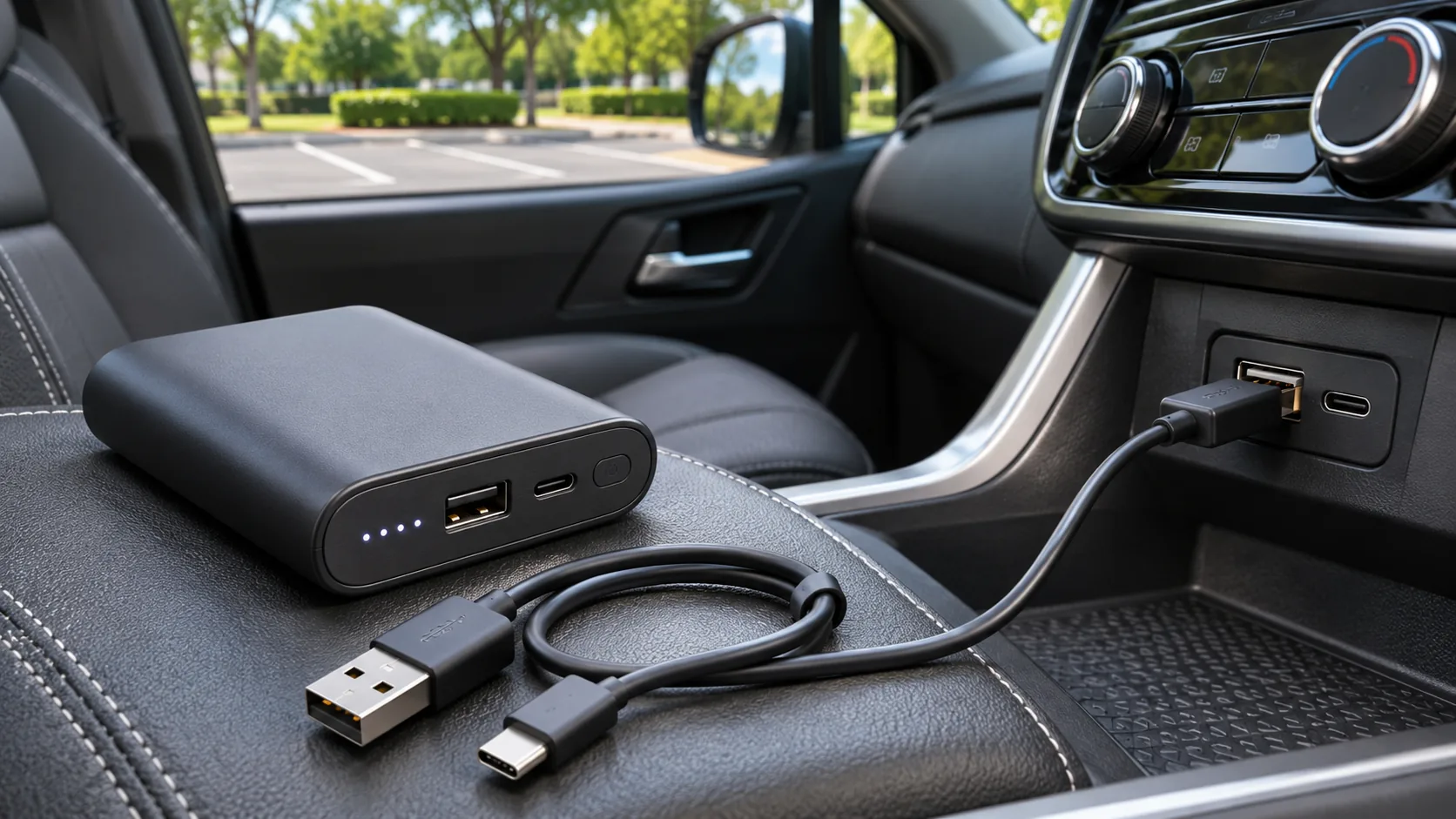
Identify the vehicle’s power source first
Cars may offer a 12V accessory socket, a built-in USB-A or USB-C charging port, and separate USB ports intended mainly for data or infotainment. Their ratings and operating conditions vary by vehicle. Read the owner’s manual for the exact year and trim, including whether the socket works only with the ignition or accessory mode on. One Toyota owner’s manual describes a 12V, 120W outlet and warns against prolonged use with the engine stopped. That figure is an example for the vehicle in that manual, not a universal car-outlet rating or a promise of 120W at a USB adapter’s output.
The accessory socket rating limits what can be drawn from that socket. The car adapter must convert vehicle power into an appropriate USB output, and conversion has losses. If the vehicle has a built-in USB port, check its own stated output rather than assuming it matches an accessory-socket adapter. An older or data-oriented port may offer only a low charging rate. A USB-C socket also does not automatically supply USB Power Delivery: USB-IF’s Type-C guidance says the connector and the Power Delivery protocol are distinct capabilities.
| Part | Rating or feature to find | Common wrong assumption |
|---|---|---|
| Vehicle outlet | 12V socket limit or built-in USB output; when it is energized | All outlets in the car provide the same power |
| Car adapter | Per-port USB output profiles, including USB PD if offered | A 120W socket creates a 120W USB port |
| Cable | Connector, condition and power rating appropriate to the mode | Any cable with the right ends performs the same |
| Power bank input | Which port accepts charging and its voltage/current modes | The bank’s advertised output watts equal its input watts |
| Other connected devices | Adapter’s shared-output rules | Each port retains its maximum rating when both are used |
Match the adapter’s output to the bank’s input
A car adapter often lists several output lines such as 5V at a stated current or USB PD modes at higher voltages. The bank’s label or manual should list its accepted input modes. To gain a faster charge, the two devices must agree on a compatible mode. USB-IF describes USB Power Delivery as a negotiated system, so a large wattage printed on the adapter is only a ceiling for supported combinations. The bank may take less because its input limit is lower, because its battery is nearly full, or because the adapter changes allocations when another port is active.
For an illustrative example, a bank that accepts only 5V at 2A has a nominal 10W input ceiling in that mode even when plugged into a car adapter advertised at 45W. Conversely, a bank that can request a higher USB PD mode will not receive that mode from a plain 5V vehicle USB port. These are electrical examples, not specifications for either site product linked below. Obtain the current model’s input table, including whether a USB-C port is bidirectional or output-only. A port marked only “output” should not be treated as a charging input.
Choose the cable for the negotiated mode
Use a sound cable with the required connector at each end. A USB-A to USB-C cable connected to an older USB-A car adapter may provide useful 5V charging, but it does not turn that adapter into a USB-C PD source. A USB-C to USB-C cable supports a PD path only when both connected products implement the relevant capabilities. For higher-power charging, look at the cable’s power rating and the product instructions. USB-IF’s cables and connectors guidance explains its certified cable power labels. Do not infer charging capability from a cable’s data-speed label alone.
A damaged plug, loose accessory socket, unusually long cable or built-in cable of unknown rating can cause intermittent charging. Do not tape a loose connection in place next to a hot dashboard. Route the cable so it cannot interfere with pedals, steering, seat movement or passengers. If charging stops when the vehicle hits a bump, resolve the mechanical connection before blaming the power bank’s battery. A short stationary test can expose a connection problem without attempting to inspect plugs while driving.
Estimate whether the journey is long enough
Input watts do not directly equal energy stored in the cells. For a rough lower bound, divide the bank’s labelled watt-hours by the average power it actually accepts over the trip. A hypothetical 37Wh bank taking a steady 10W would require at least 3.7 hours of input energy before conversion losses and charging taper. If it averaged 20W for the whole session, the simple floor would be 1.85 hours. Real charging usually slows near full, and the accepted power can change with temperature and state of charge. These figures are illustrative math, not measured car recharge times.
For a useful route estimate, record departure charge level, the bank’s displayed or measured input power if available, driving time with the outlet energized, and arrival charge level. Compare the result with the next leg’s energy requirement. A short commute may add only a modest reserve to a large bank. If the vehicle socket turns off when parked, do not count parked hours as charging hours. If it remains on, follow the vehicle manual’s warning about draining the vehicle battery; avoid leaving a bank connected unattended solely to reach a target percentage.
| Observed behavior | Check first | Useful next step |
|---|---|---|
| No charge indicator | Outlet power state and correct bank input port | Test adapter and cable separately while parked |
| Charges but slowly | Bank input limit versus adapter output profile | Compare documented voltage/current modes |
| Fast initially, then slows | Bank state of charge and thermal conditions | Check maker’s charging guidance before assuming failure |
| Stops when another device is plugged in | Adapter’s shared-port allocation | Use one port for the test or a suitable adapter |
| Stops after engine off | Vehicle outlet operating conditions | Plan charging time while the permitted outlet is powered |
Use product listings as a starting point
The site’s 10,000mAh solar power bank and 20,000mAh solar power bank marked 35W illustrate why the capacity and headline output are insufficient for a car-recharge claim. The 35W mark does not establish the latter model’s accepted input wattage. A product image can show port placement but not its charging protocol. Ask for the exact input ratings and port directions on the current datasheet, then match them to a real adapter. The solar panel is a separate charging source and says nothing about the vehicle USB path.
Perform the first test with the car safely parked. Check the vehicle and adapter labels, connect one bank with one known cable, and confirm that the bank indicates input. Add a second device only after the single-device behavior is clear. Monitor whether the adapter or cable becomes abnormally hot, and stop if the socket or equipment shows damage. The right setup is the one whose vehicle rating, adapter output, cable capability and bank input all agree—not simply the one with the biggest wattage printed on the box.