Quick answer: Before allowing camera smart glasses at work, define where recording is permitted, who may activate it, how people are informed, where files go and when they are deleted. A visible capture light is useful but not a complete workplace policy. Rules vary by country, employer and setting; this checklist is for product evaluation, not a legal determination. Start with the organization’s privacy, security and safety owners before buying a fleet.
Decide the job before choosing the device
A service technician might need hands-free photographs of a machine, a trainer might need a short demonstration clip, and a warehouse worker might only need spoken instructions. These jobs call for different tools. If the task can be completed with audio instructions and no images, a camera adds storage, consent and security questions without solving a requirement. If images are necessary, define exactly what must be captured, for how long and by whom. Avoid a blanket “record everything” brief.
Write a one-page use case with the location, participants, data types, expected image quality, battery duration and network conditions. Note whether a phone is required to start or upload recording. A smart-glasses camera can be less conspicuous than a handheld phone, which makes clear notice and operator training especially important. The device choice should follow that use case, not precede it.
| Work task | Minimum feature to test | Question before recording |
|---|---|---|
| Remote equipment support | Hands-free image or video with stable connection | Will screens, customer records or bystanders enter frame? |
| Training a procedure | Short, deliberate capture and easy review | Who approves and stores the footage? |
| Spoken checklist | Audio-only prompts | Can a camera-free device meet the need? |
| Restricted facility | Policy-compatible communication | Are cameras or wireless radios prohibited? |
| Customer-facing work | Clear capture indicator and notice process | How will visitors understand and respond? |
Check the recording indicator on the exact model
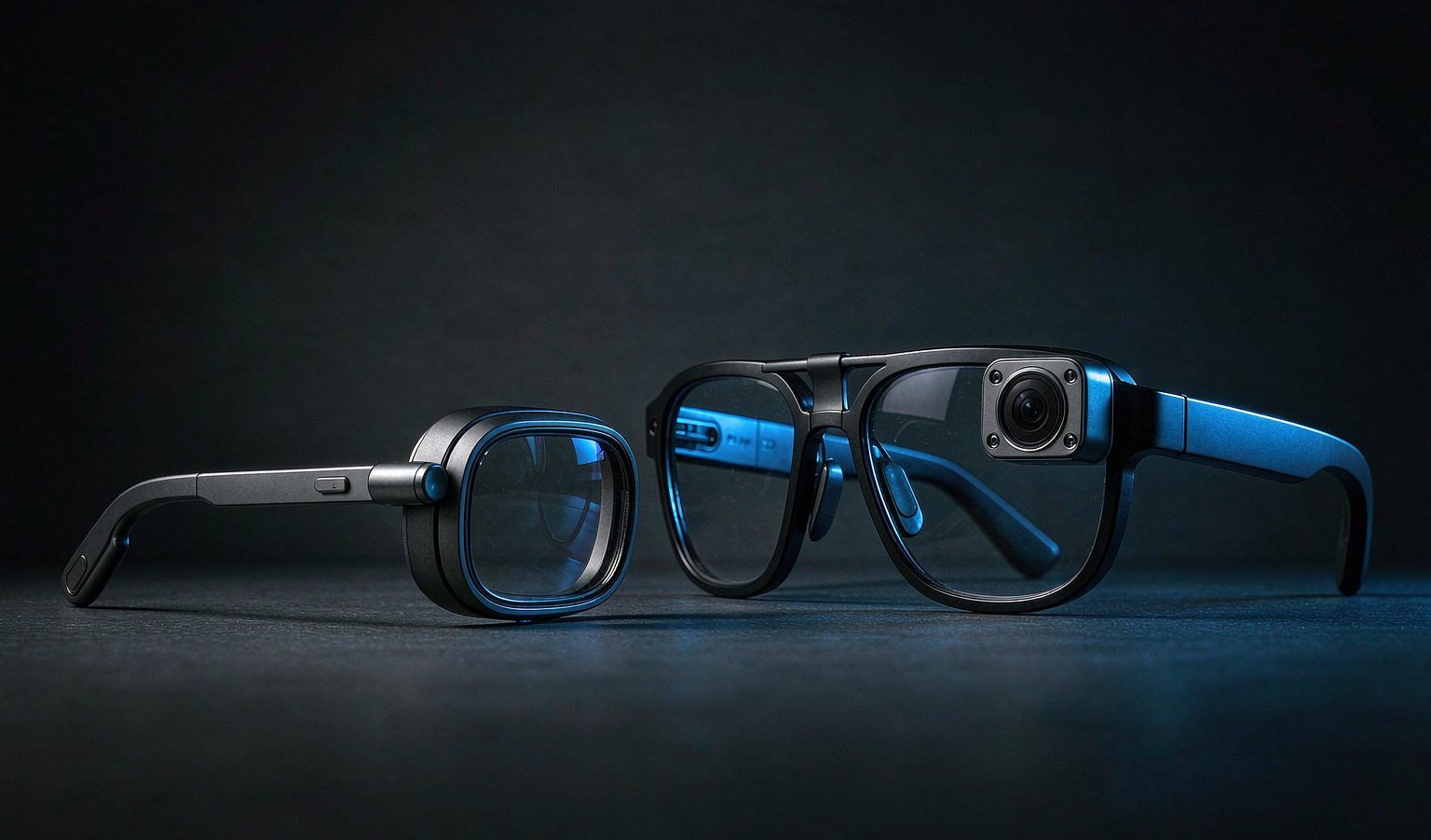
A published example is Ray-Ban Meta’s external capture LED, which the official FAQ says signals photo or video capture. That does not prove another brand uses the same LED, or that an observer can see it from every angle or lighting condition. During a sample trial, record from the front, side and across a room while a colleague observes the indicator. Document when it activates, whether audio recording has a separate signal, and whether the wearer can disable it. Do not rely on a product render to answer these questions.
Also verify what happens when the camera is unavailable: low battery, no network, full storage, a lost phone connection or a firmware update. The wearer should be able to distinguish “not recording” from “recording but not uploading.” A confusing interface can cause both missed work evidence and unnecessary capture.
Make a data path before a purchase order
Trace a sample file from capture to deletion. Does it remain on the glasses, move to a phone, sync to a vendor cloud or get shared through another app? Who has access at each step? Can a worker remove only their own files, and can an administrator preserve an authorized record? Ask for the current privacy notice, storage configuration, account controls and deletion procedure. Test deletion and export rather than accepting a feature-list promise.
The UK Information Commissioner’s Office includes wearable cameras in its worker-monitoring guidance. Its requirements apply in their jurisdiction and cannot be copied as universal law, but the questions about purpose, transparency and proportionality are useful for a product trial anywhere. For UK deployments, the detailed guidance on video and audio surveillance explains why audio recording can be particularly intrusive. Obtain advice for the locations where the device will be used.
Separate privacy from physical safety
Consumer camera frames are not automatically safety glasses. If a site requires certified eye protection, check whether the exact smart frame has the required certification or can be worn with approved PPE without breaking fit or visibility. A camera viewfinder or audio prompt can distract a worker during a hazardous task. A pilot should therefore include the safety officer, not just the IT buyer. Define no-capture zones and no-use tasks, and train operators to stop recording when an unexpected person or confidential document enters view.
Radio and battery rules can matter too. Some facilities prohibit personal wireless devices, recording equipment or certain battery-powered electronics. An “offline mode” may still leave local capture enabled. Check the actual hardware and firmware behavior rather than assuming that airplane mode equals camera-off. Written policy and access controls should match the site’s specific risk.
| Sample acceptance test | Evidence to retain | Fail condition |
|---|---|---|
| Capture notice | Photos of indicator from realistic viewing positions | Bystanders cannot tell when capture begins under agreed conditions |
| File path | Diagram of device, phone, account and cloud transfer | Unknown or unapproved destination |
| Deletion/export | Recorded steps and result for a test clip | Unclear retention or inaccessible export |
| Workplace fit | PPE and task observation notes | Frame interferes with required protection or safe operation |
| Support | Firmware and warranty terms for exact model | No way to manage lost devices or updates |
Compare a camera model with an audio-led alternative
Our YJ-AR002 camera smart glasses can be a sample candidate when images are genuinely part of the job. An audio-focused frame such as YJ010 can be a comparison point for a spoken-guidance task. These links are product starting points, not evidence of a particular recording indicator, security control or regulatory compliance. Request the current model manual, firmware, data-flow information and certification documents before making procurement claims.
Run a small pilot with real tasks and a written pass/fail checklist. Include the workers who will wear the frames, people who may be filmed, IT, privacy and safety stakeholders. A camera model is worthwhile only when its capture benefit remains after these constraints are addressed. If the same task is met by audio or a phone without extra recording risk, the simpler tool may be the better workplace choice.
Questions for the pilot debrief
After the trial, ask operators whether the frame changed how they performed the task. Did they need both hands free, or was a phone already adequate? Did recording require a second person to manage files or consent? Ask bystanders whether the capture indicator and spoken notice were understandable. Review a sample file for accidental screens, faces or documents that the task did not require. Check the time needed to delete or export it, and whether a lost device can be removed from an account. Record these answers by device model and firmware version. This prevents a general “smart glasses worked well” verdict from concealing the specific privacy, support or workflow issue that will matter at scale.