簡単な答え: To recharge an Anker power bank, identify its exact model number, find the input method in that model’s manual, and connect a suitable charger and cable. Many current models accept USB-C input, but some include a built-in cable, wall plug, or different input arrangement. The LEDs or screen may indicate progress differently by model. Do not infer input capability from a connector’s shape or from a guide written for another Anker product.
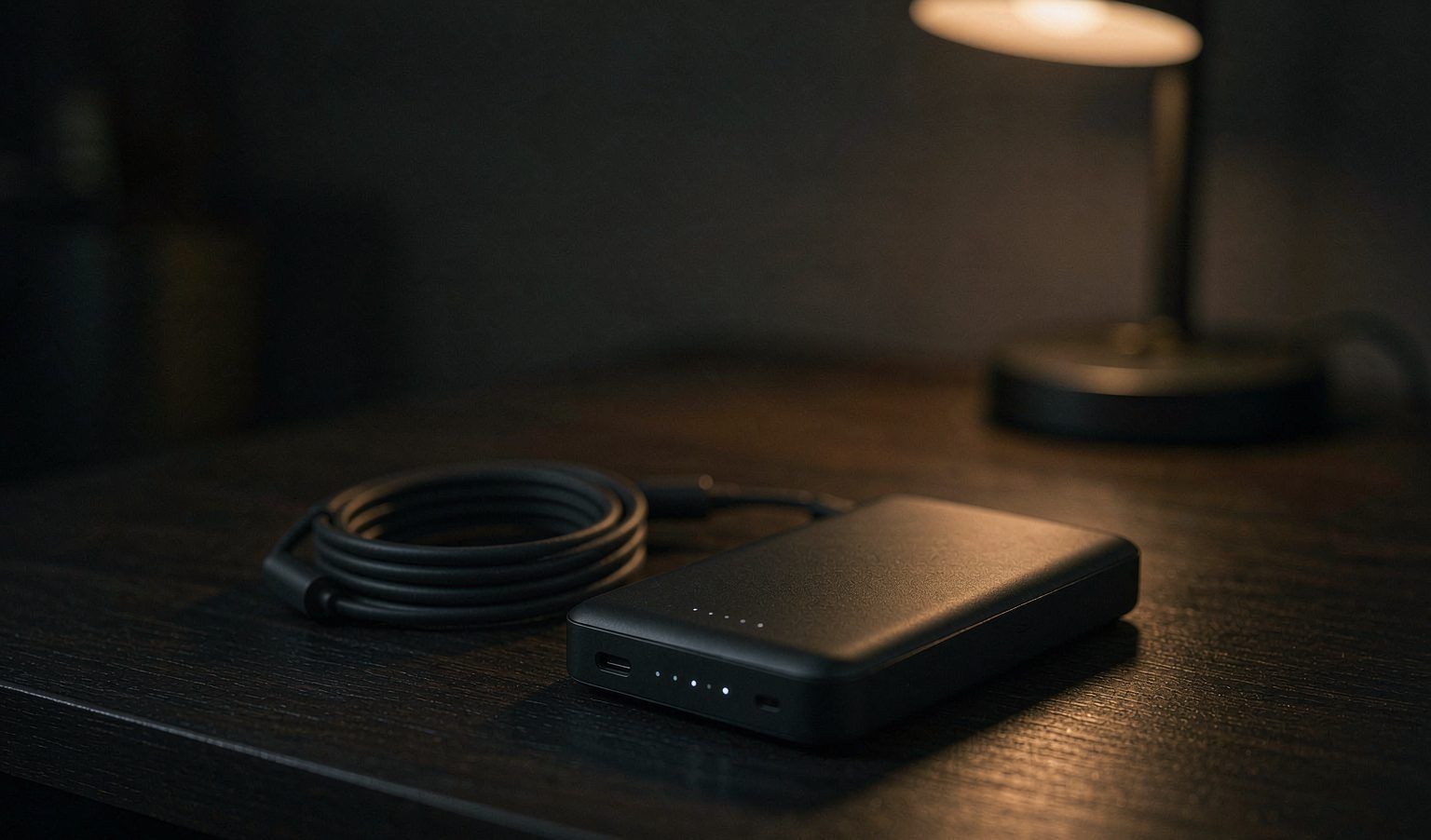
ポートを選択する前にモデルを見つけてください
パックまたはその注文の詳細で、印刷されたモデル識別子を探します。 一致する公式ユーザー ガイドを検索し、「パワー バンクの再充電」というタイトルのセクションと、 入力 仕様。 通常、USB-A 開口部はポータブル バンクでの出力ですが、包括的なルールではなく、モデルのマーキングに依存します。 アンカーズ A1388 10K/22.5W ガイド, for example, says to charge the bank through its USB-C ports and lists 20W maximum input. That is a fact about A1388, not a universal Anker input rating.
Another official example, the A1636 フュージョン ガイド, documents three recharging routes: a wall outlet, the USB-C port, or its built-in USB-C cable. Applying the A1388 instructions to a Fusion unit would overlook two options. The safest workflow is therefore model number → official manual → input rating → compatible charger.
| モデルの例 | Documented ways to replenish the bank | 詳細を確認してください |
|---|---|---|
| Anker A1388 10K/22.5W | USB-C ポート | そのマニュアルには、最大 20W までの USB-C 入力がリストされています |
| Anker A1636 Fusion 30W | 壁コンセント、USB-C ポート、内蔵 USB-C ケーブル | 充電器またはバッテリーとして使用する場合、入力モードと出力モードが異なります。 |
| あなたの別のモデル | 独自の公式ガイドを参照してください | Do not copy either example’s port or wattage assumptions |
充電器とケーブルを選択します
Read the pack’s input label, such as the supported voltage and current combinations. A wall adapter with a higher maximum rating does not continuously push that full rating into a compatible USB-C device. With USB Power Delivery, source and receiver agree on a supported mode. A compatible adapter can still be slower than the pack’s maximum input if it lacks the required mode or if the cable limits current. The USB 実装者フォーラム USB PD がどのようにして USB-C を介した柔軟な電力供給を可能にするかを説明します。
Use an undamaged cable whose rating is appropriate for the adapter and device. Avoid judging a cable only by its connector: two visually similar USB-C cables can differ in current support and durability. If a pack has a built-in cable, check whether the manual permits using that cable as an input. Place the pack on a hard surface with ventilation, away from direct heat or moisture, while charging. Stop if the enclosure swells, leaks, smells abnormal, or becomes unusually hot; then consult the manufacturer rather than opening the battery.
インジケーターが実際に教えてくれること
An LED pattern or screen percentage is model-specific. For A1388, Anker’s guide separately identifies recharging, remaining battery percentage, and a low-current trickle mode. The latter is an output mode for small devices and should not be confused with a recharging error. A1636 uses a screen and has battery and wall-charger modes. Check the official illustration for your model before treating a particular flashing light as “fully charged” or “faulty.”
If no indicator appears, first try the pack’s documented power button or display action. Then test a known-working outlet, adapter, and cable that match the input specification. Try the documented alternate input only if the manual lists one. A pack that appears completely discharged may take time to show progress; the manufacturer support page is the right source for its recovery procedure. Do not improvise a reset sequence from a different model.
再充電が単純な分割よりも時間がかかる理由
公称セル エネルギーは、大まかな出発点を示します。 たとえば、10,000mAh のセル パックは、公称約 37Wh の 3.7V ストアで定格しています。 37WH を仮想の 20W 入力で割ると、1.85 時間の時間になります。 理想的な下限、完全な約束ではありません。 実際のプロセスには、セルがフル充電に近づくにつれて、変換の損失とより遅い仕上げ段階が含まれます。 最大入力定格は、適切な充電器、ケーブル、温度、および充電状態の下でのみ適用できます。
A power meter can show the adapter-side voltage and current, but a single reading does not reveal the total energy stored in the cells. If charging seems slow, note the model, starting percentage, adapter specification, cable, ambient conditions, and elapsed time. Those details are more useful for support than “it was plugged in all night.”
| 症状 | 最初にチェックします | 次の一歩 |
|---|---|---|
| 進捗状況の表示はありません | 文書化された入力ポート、コンセント、ケーブルを修正してください | モデルの公式サポート手順に従います |
| 進行しますが、予想よりも遅いです | パック入力定格とアダプタ モード | Repeat with compatible adapter and measure over the full cycle |
| 別のデバイスが接続されています | マニュアルの同時請求ポリシー | メーカーが許可する場合は、パックを単独でテストしてください |
| Unusual heat or swelling | Stop using the pack | メーカーまたは適切なバッテリー廃棄サービスに連絡してください |
ブランドを比較するバイヤー向け
The same model-first approach applies when comparing a bank from another supplier. Our 30,000mAh のソーラー アシスト モデル そして 40,000mAh ハンドクランク モデル have different use cases. Their product listings should be checked for the exact input modes, port limits, cell energy in Wh, and test documentation before a purchasing decision. A built-in solar panel or hand crank should not be assumed to recharge a large pack as quickly as a compatible wall charger. We do not claim that our products use Anker’s indicator patterns or charging circuits.
For OEM procurement, request a model-specific user manual, input/output matrix, full-cycle recharge test under stated conditions, packaging labels, and safety documentation. Include the adapter and cable used in any comparison. This makes the charging experience reproducible for your customers and reduces support questions caused by an ambiguous “fast charge” claim.
よくある質問
ワット数の高い USB-C ウォール充電器を使用できますか?
Use a compatible charger and follow the pack manual. The maximum printed on the charger does not mean the bank accepts that whole amount; the supported mode is negotiated.
Can I recharge the bank through USB-A?
正確なモデルのマニュアルにそのコネクタが入力として明示的にリストされている場合にのみ、そうしてください。 A1388 の例では、Anker は USB-C 経由で再充電を指示しています。
点滅しているすべての LED に障害がありますか?
いいえ。インジケーターの意味は、モデルとモードによって異なります。 トラブルシューティングを行う前に、パターンを公式マニュアルと一致させてください。
ソースとレビュー方法
モデルの例は、Anker の公式 A1388 および A1636 のガイドからのものです。 一般的な USB PD の説明は、USB-IF の概要 に続きます。 37WH と 1.85 時間の数値は、実例となる計算であり、Anker または OutdoorPowerBank の再充電時間の測定値ではありません。