Quick answer: To recharge an Anker power bank, identify its exact model number, find the input method in that model’s manual, and connect a suitable charger and cable. Many current models accept USB-C input, but some include a built-in cable, wall plug, or different input arrangement. The LEDs or screen may indicate progress differently by model. Do not infer input capability from a connector’s shape or from a guide written for another Anker product.
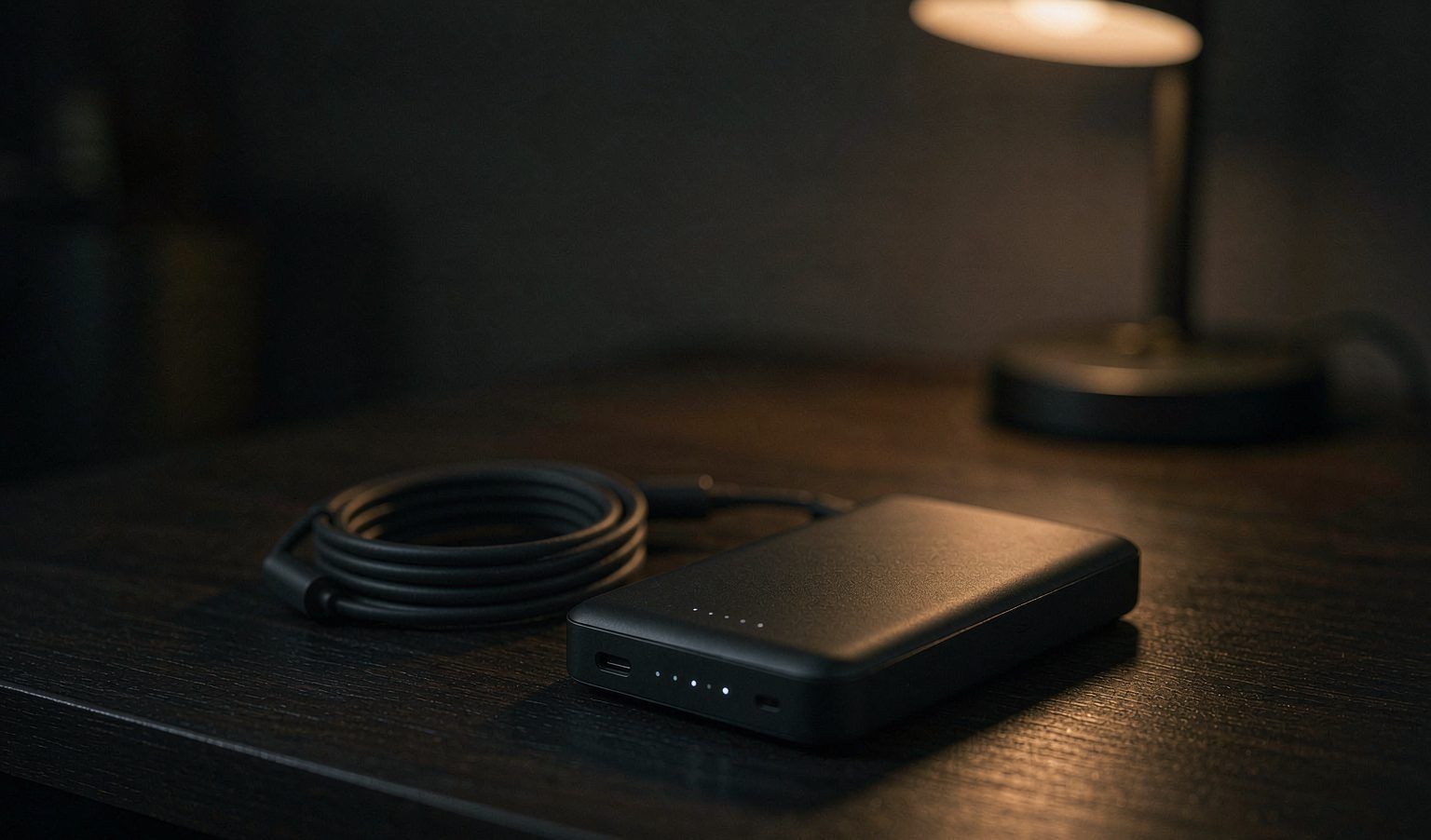
Find the model before choosing a port
Look for the printed model identifier on the pack or in its order details. Search the matching official user guide, then locate the section titled “Recharging Your Power Bank” and the input specifications. A USB-A opening is commonly an output on portable banks, but rely on the model’s markings rather than a blanket rule. Anker’s A1388 10K/22.5W guide, for example, says to charge the bank through its USB-C ports and lists 20W maximum input. That is a fact about A1388, not a universal Anker input rating.
Another official example, the A1636 Fusion guide, documents three recharging routes: a wall outlet, the USB-C port, or its built-in USB-C cable. Applying the A1388 instructions to a Fusion unit would overlook two options. The safest workflow is therefore model number → official manual → input rating → compatible charger.
| Example model | Documented ways to replenish the bank | Detail to check |
|---|---|---|
| Anker A1388 10K/22.5W | USB-C ports | Its manual lists USB-C input up to 20W |
| Anker A1636 Fusion 30W | Wall outlet, USB-C port, built-in USB-C cable | Input and output modes differ when used as charger or battery |
| Your different model | Consult its own official guide | Do not copy either example’s port or wattage assumptions |
Choose a charger and cable
Read the pack’s input label, such as the supported voltage and current combinations. A wall adapter with a higher maximum rating does not continuously push that full rating into a compatible USB-C device. With USB Power Delivery, source and receiver agree on a supported mode. A compatible adapter can still be slower than the pack’s maximum input if it lacks the required mode or if the cable limits current. The USB Implementers Forum explains how USB PD enables flexible power delivery over USB-C.
Use an undamaged cable whose rating is appropriate for the adapter and device. Avoid judging a cable only by its connector: two visually similar USB-C cables can differ in current support and durability. If a pack has a built-in cable, check whether the manual permits using that cable as an input. Place the pack on a hard surface with ventilation, away from direct heat or moisture, while charging. Stop if the enclosure swells, leaks, smells abnormal, or becomes unusually hot; then consult the manufacturer rather than opening the battery.
What the indicator actually tells you
An LED pattern or screen percentage is model-specific. For A1388, Anker’s guide separately identifies recharging, remaining battery percentage, and a low-current trickle mode. The latter is an output mode for small devices and should not be confused with a recharging error. A1636 uses a screen and has battery and wall-charger modes. Check the official illustration for your model before treating a particular flashing light as “fully charged” or “faulty.”
If no indicator appears, first try the pack’s documented power button or display action. Then test a known-working outlet, adapter, and cable that match the input specification. Try the documented alternate input only if the manual lists one. A pack that appears completely discharged may take time to show progress; the manufacturer support page is the right source for its recovery procedure. Do not improvise a reset sequence from a different model.
Why recharging can take longer than a simple division
Nominal cell energy gives a rough starting point. For example, a 10,000mAh cell pack rated at 3.7V stores about 37Wh nominally. Dividing 37Wh by a hypothetical 20W input gives 1.85 hours as an ideal lower bound, not a full-charge promise. The actual process includes conversion loss and a slower finishing phase as the cells approach full charge. The maximum input rating may apply only under a suitable charger, cable, temperature, and state of charge.
A power meter can show the adapter-side voltage and current, but a single reading does not reveal the total energy stored in the cells. If charging seems slow, note the model, starting percentage, adapter specification, cable, ambient conditions, and elapsed time. Those details are more useful for support than “it was plugged in all night.”
| Symptom | First check | Next step |
|---|---|---|
| No progress indication | Correct documented input port, outlet and cable | Follow the model’s official support steps |
| Progress, but slower than expected | Pack input rating versus adapter modes | Repeat with compatible adapter and measure over the full cycle |
| Another device is connected | Manual’s simultaneous-charge policy | Test the pack alone if the maker permits |
| Unusual heat or swelling | Stop using the pack | Contact manufacturer or appropriate battery-disposal service |
For buyers comparing brands
The same model-first approach applies when comparing a bank from another supplier. Our 30,000mAh solar-assisted model and 40,000mAh hand-crank model have different use cases. Their product listings should be checked for the exact input modes, port limits, cell energy in Wh, and test documentation before a purchasing decision. A built-in solar panel or hand crank should not be assumed to recharge a large pack as quickly as a compatible wall charger. We do not claim that our products use Anker’s indicator patterns or charging circuits.
For OEM procurement, request a model-specific user manual, input/output matrix, full-cycle recharge test under stated conditions, packaging labels, and safety documentation. Include the adapter and cable used in any comparison. This makes the charging experience reproducible for your customers and reduces support questions caused by an ambiguous “fast charge” claim.
Frequently asked questions
Can I use a higher-wattage USB-C wall charger?
Use a compatible charger and follow the pack manual. The maximum printed on the charger does not mean the bank accepts that whole amount; the supported mode is negotiated.
Can I recharge the bank through USB-A?
Do so only if your exact model’s manual explicitly lists that connector as an input. On the A1388 example, Anker directs recharging through USB-C.
Is every flashing LED a fault?
No. Indicator meaning varies by model and mode. Match the pattern to the official manual before troubleshooting.
Sources and review method
The model examples come from Anker’s official A1388 and A1636 guides. The general USB PD explanation follows the USB-IF overview. The 37Wh and 1.85-hour figures are illustrative calculations, not measured Anker or OutdoorPowerBank recharge times.