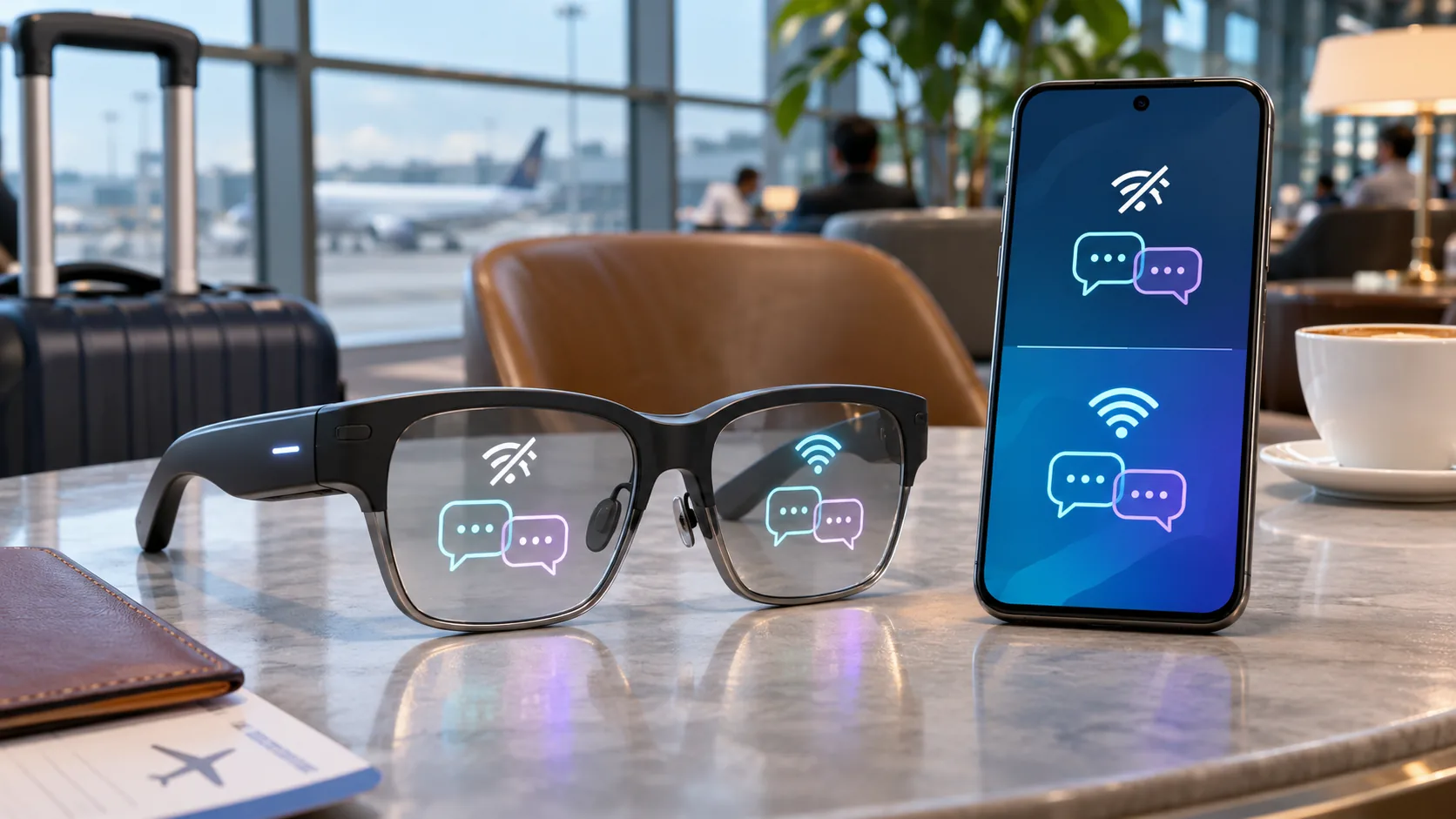
“Offline translation” on smart glasses should mean that a specified language task still completes when the phone has no internet connection. It does not necessarily mean the glasses work without a phone, that every language is available, or that a downloaded speech pack also translates printed signs. Some products process part of the task on a paired phone; others use a network service for features that sound similar in an advertisement. The useful purchase question is not simply whether the word “offline” appears, but which input, language pair, output and device remain available after the network is removed.
Separate internet independence from phone independence
Smart glasses can capture sound, return audio through speakers and use a paired phone for computation, storage or the companion app. In that arrangement, a feature may work without cellular data while still needing the phone connected over Bluetooth. A different product may require an online account or cloud service for recognition or translation. A claim of “on-device” processing also needs a location: does it mean the glasses, the phone, or a separate compute unit? Ask for the maker’s explicit architecture and a demonstration rather than inferring the answer from a wireless icon.
Meta has stated a narrow example of offline capability. Its Ray-Ban Meta Gen 2 announcement says certain live-translation conversations can work in airplane mode after the language pack has been downloaded. That statement is about a supported Meta feature and languages; it is not evidence that every Meta function works offline or that an unrelated frame does. It also does not say that the phone pairing and prior app setup become unnecessary. Check the current regional feature page because supported languages and rollout can change.
| Condition | What to ask | What a successful test proves |
|---|---|---|
| No internet | Does speech translation finish with Wi-Fi and mobile data unavailable? | That named task does not need a live network in the tested setup |
| No phone nearby | Does it work after the phone is disconnected? | Whether the glasses can perform the task independently |
| Language pack installed | Where is the pack stored and which pair does it cover? | Only that pair and mode are provisioned |
| Different input mode | Does offline speech support also cover camera text or captions? | Whether each advertised translation mode is actually available |
A language download is a prerequisite, not a blanket guarantee
Offline systems generally need language resources installed before travel. Google’s Translate Help page explains how its phone app downloads languages and notes that not every language can be downloaded. This is evidence about Google Translate on the phone, not about any glasses product. It illustrates the question to ask of a glasses maker: which app manages downloads, which pairs are available, whether both directions are supported, and whether the pack must be updated before departure. A user who has installed a source language but not the required target language may not have the mode they expect.
Even within one ecosystem, speech and camera text can have different requirements. Google documents offline camera translation in its mobile Translate app after appropriate languages are downloaded. That does not turn a camera-equipped glasses frame into an offline optical-character-recognition translator. For smart glasses, verify the exact pipeline: microphone or camera capture, speech recognition or text recognition, translation, and output as audio, captions or phone text. Each stage could run in a different place. If the seller provides only the phrase “real-time translation,” the processing location and offline modes remain open questions.
Distinguish a downloaded pack from a cached result
A phrase that worked once while online might reappear later from history or cache. That is not enough to prove the system can translate a new sentence without internet. Prepare several fresh, ordinary phrases that were not used during setup. With the phone still paired, disable Wi-Fi and mobile data, verify no other hotspot is supplying service, and try the new phrases in both directions if bidirectional conversation matters. Record whether the translation appears in the ear, on a display, or on the phone, and whether the app reports an unavailable service. Then reconnect and repeat to identify which capability depends on the network.
Do this as a connection and feature-availability check, not as a contest over translation quality in a noisy room. Use clear speech in a quiet setting so an audio-recognition failure does not obscure the offline question. Do not describe a result as “fully offline” merely because the mobile data icon is off while the phone remains on Wi-Fi. Likewise, enabling airplane mode may leave Bluetooth available after the user turns it back on; verify which radios are actually active. Follow the product’s own setup instructions rather than assuming one manufacturer’s airplane-mode behavior applies elsewhere.
Online translation may offer different features
A network connection can allow a system to use a remote service, obtain current software resources or process a mode that is unavailable offline. That does not make online translation automatically better in every sentence, and it does not establish the latency or privacy of a particular product. The practical trade-off is dependence: a feature that requires coverage may fail on an aircraft, in a remote area, behind a restrictive network or during a service interruption. A local pack may keep a limited set of language pairs usable in those settings. Compare the exact mode and language pair, not the vague labels “AI” and “offline.”
Data handling also deserves a specific question. If audio or images leave the phone for a cloud service, ask the maker what is sent, retained and associated with the account. If processing stays local, ask whether transcripts are stored and how to delete them. Do not assume “offline” equals “private”: a device can save local history, and a feature might upload data after reconnecting. Conversely, a network feature may have documented controls. Use the current privacy notice for the precise app and version before sending sensitive speech or documents through any translation product.
| Use case | Required evidence | Failure to avoid |
|---|---|---|
| Conversation without data service | Named model, app version, language pair and offline setup steps | Discovering a needed pack was never downloaded |
| Use without carrying a phone | Maker statement and a no-phone demonstration | Confusing no-internet with no-phone operation |
| Reading a sign | Separate camera-text and OCR documentation | Assuming speech translation covers printed text |
| Two-way conversation | Both directions supported in the intended mode | Only one person receiving a translation |
| Sensitive content | Data transfer, retention and deletion policy | Assuming offline mode implies no local history |
What the site product pages establish
This site’s YJ-AR002 camera smart glasses listing names real-time translation among its functions. It does not specify the offline language pairs, the location of speech recognition or translation processing, pack downloads, or whether the feature works when the phone is disconnected. Those details require a current manual and an actual demonstration. The YJ005-A02 audio sunglasses listing describes music and hands-free calls; it does not claim translation. Its relevance here is as an example of audio eyewear that should not be assumed to become a translator simply because it has speakers and a microphone.
Before a trip, install any documented packs on a reliable connection and test the precise languages, direction and output mode with the intended phone and glasses. Keep the result narrow: “This model translated these new spoken phrases with the phone paired and internet disabled” is a useful observation. It does not prove phone-free operation, printed-text translation or all-language support. When the exact dependencies are clear, the choice between offline and online translation becomes a practical coverage and workflow decision rather than a slogan.