A camera-equipped pair of smart glasses may read visible words and speak them back, but a camera alone does not establish an optical character recognition (OCR) feature. The useful buying question is whether a particular device can capture, recognize and read aloud the print you actually encounter. A label at arm’s length, a glossy package under a lamp and a notice behind glass present different problems. This guide offers a repeatable acceptance test for read-aloud use. It does not claim that any linked product passed that test, and it does not evaluate translation accuracy.
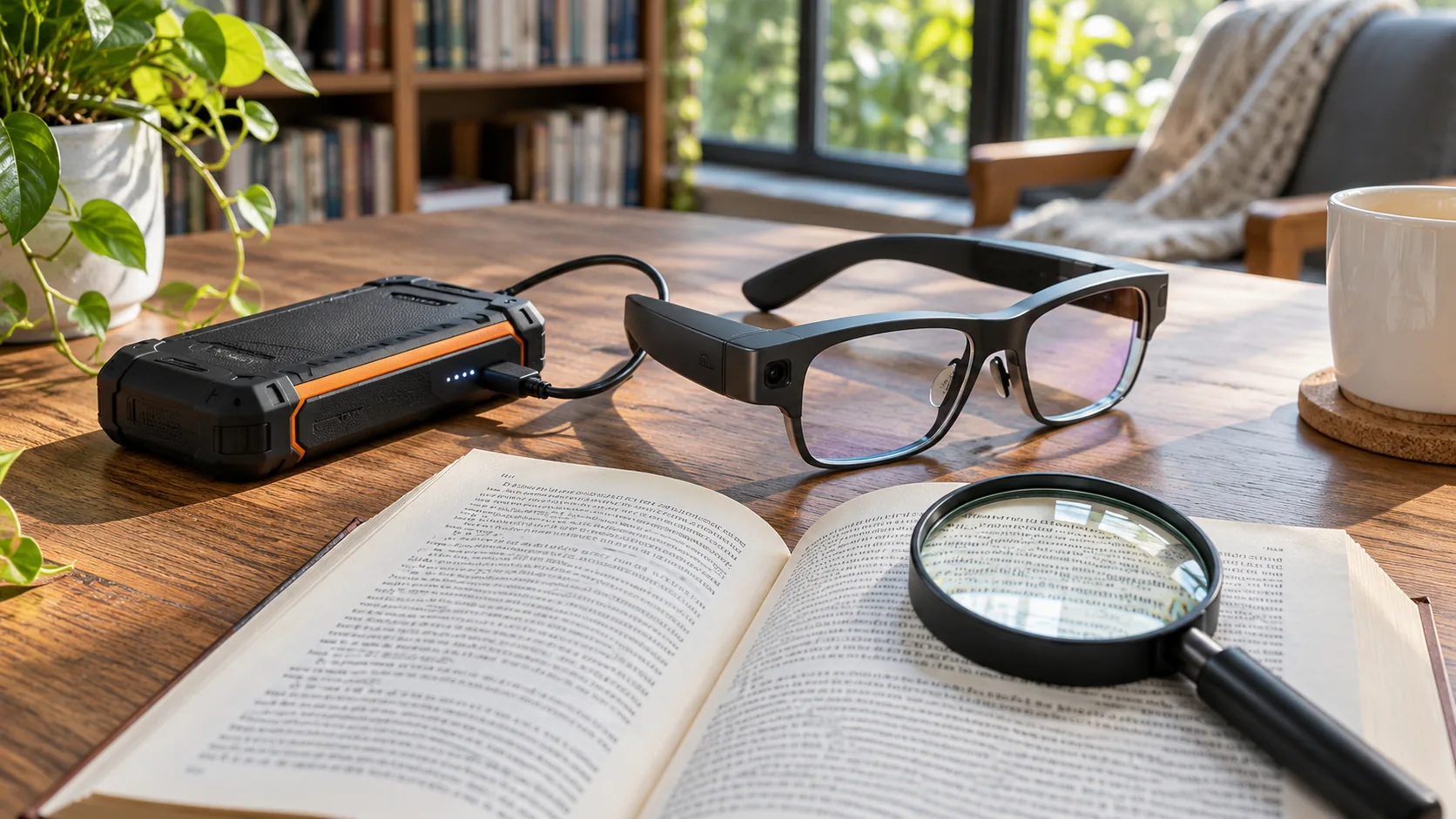
Confirm the complete read-aloud path
For the task to work, the device must take an image of the print, resolve enough detail to separate characters, run text recognition, arrange the words in the correct reading order and produce audio or another accessible output. Some products may route one or more steps through a phone or cloud service. A feature described as “AI vision” may answer general questions about a scene without reliably reading every line. Ask the vendor to show a current, model-specific demonstration of the whole path from a printed page to spoken words, including how it starts, where processing happens, and what the user hears when recognition fails.
Google’s official ML Kit text-recognition guidance explains why sufficient image pixels per character and focus matter. It gives a pixel-size target for that software’s input images, but it is not a specification for any smart-glasses camera. The principle is practical: the same printed letters occupy fewer image pixels when the wearer stands farther away or tries to capture an entire sheet at once. A crop that fills the camera view with the relevant paragraph can be easier to recognize than a distant shot of the whole page. The test below records physical text size and distance instead of promising a universal minimum font size.
| Step | Question to ask | Failure to watch for |
|---|---|---|
| Capture | Can the wearer frame and focus the print? | Blur, glare or missing edges |
| Recognition | Are letters, digits and symbols retained? | Wrong characters or omitted lines |
| Reading order | Are columns and labels paired correctly? | Text spoken out of sequence |
| Output | Is audio clear and controllable? | Truncated speech or unwanted volume |
| Recovery | Can the user inspect or repeat a line? | A confident answer without a way to verify |
Build a small print-size test that can be repeated
Prepare several samples using ordinary printed material the buyer has permission to photograph. Include large signage, a normal paragraph, a small product label, a line of digits and a two-column layout. Write down the point size if the sample was printed from a document; for commercial packaging, use a ruler to record approximate character height instead. Keep the same distance and viewing angle for the first pass. Then move closer within the camera’s normal focus range, if the maker permits it, and compare the result. Record whether the device read every word, skipped a line, substituted a digit or said it could not read the image.
Do not reduce the result to one accuracy percentage
A single percentage can hide consequential errors. Missing a decorative sentence and changing “15” to “50” are different outcomes. Keep a transcript or a note of each error type. If the device offers a phone preview, compare the captured image and recognized text with the paper original. When the glasses only speak an answer, ask for a repeat or a specific line, then verify manually. A test set with known ground truth is far more informative than a seller’s demonstration on one large, high-contrast card. Do not put a medicine dose, legal deadline or safety warning into unsupervised use based on a short demo.
Distance also affects comfort and practical value. Moving a tiny label very close to the face may be awkward, and the frame’s camera may not focus at that range. A wearer may be able to point a phone more precisely than glasses at a curved object. Record which method is easier for the task rather than assuming hands-free capture is always better. If the intended user wears prescription lenses, test with the actual fitted frame and normal posture. A device’s read-aloud ability is useful only if the wearer can aim it reliably.
Repeat under three lighting conditions
Use a bright, evenly lit setting as a baseline, then repeat the same samples in a dim but safe room and under a strong side light or daylight that produces reflections. The goal is to observe how the image and read-aloud output change, not to assert a lab-grade lighting threshold. Record whether the page is glossy, whether the background is patterned, and whether shadows cross letters. Poor focus and inadequate pixels can impair recognition even before an AI model interprets the text, as the ML Kit documentation notes. Strong glare can also erase strokes in a photo. Try changing the angle of the material or moving to diffuse light before judging the feature incapable.
Keep the test stationary. Trying to read a sign while walking through traffic adds a safety problem and blurs the image. For an accessibility use case, assess whether the glasses provide a useful way to confirm what was captured and to request a repeat without complex gestures. If they cannot show the image, the user needs another way to check critical details. A phone, magnifier, human assistance or another accessible method may be a better fallback for a difficult label. The fallback should be part of the workflow rather than treated as an embarrassment.
| Sample | Conditions to record | Result to document |
|---|---|---|
| Large sign | Distance, angle and daylight | Complete wording and line order |
| Normal paragraph | Page size, print size and room light | Omissions and repeated words |
| Small label | Character height and closest usable distance | Digits, units and warnings preserved |
| Glossy package | Reflection position and alternative angle | Change after glare is reduced |
| Two-column notice | Layout and column spacing | Whether columns remain in order |
| Privacy sample | Permission, network state and deletion path | What is captured or retained |
Treat privacy as part of the test, not an afterthought
A camera may include bystanders, names, account numbers or confidential documents around the intended text. Use only material the tester is allowed to capture. Ask the maker when the camera is active, whether an outward-facing indicator operates for this exact feature, whether images are saved, whether processing uses a remote service, how long data remains and how it can be deleted. Ray-Ban’s official smart-glasses FAQ explains that indicator behavior can differ between capture and certain AI camera functions and can vary by model generation. That is a reason to check the exact product, not to generalize one indicator rule to every frame.
Test in a private setting first. Do not point the camera at a stranger’s screen or an employee document just to see whether the OCR works. In a workplace, school or clinic, check the site’s device and recording rules. If the feature requires a phone app or network connection, review its permissions and data controls before feeding it sensitive material. A usable read-aloud feature includes a clear way to stop capture and remove any stored sample. If the vendor cannot explain the data path, use a less sensitive sample until it can.
Compare product pages without treating a camera as proof
The site’s YJ-AR002 camera-glasses listing describes a camera and other functions. It does not, by itself, provide an independent small-print OCR result or a documented read-aloud acceptance test. The TW201 audio-sunglasses page is a useful contrast: audio hardware alone does not establish a camera, OCR or text-reading workflow. For either product, request the current manual and a task-specific demonstration before making a buying claim.
Ask a supplier to run the acceptance sheet on the actual sample, software version and intended language or script. Request a short recording or live demonstration that includes the original print, the capture condition, the spoken result and any failure response. A result from a different brand’s recognition engine does not transfer to the site model. Likewise, a successful English paragraph does not establish performance for every writing system. Keep the conclusion narrow: this model read these samples under these conditions, with these errors. That is the evidence a buyer can use.
Decide what a successful reading really means
A practical pass means the device reliably reads the user’s common print sizes, gives the words in a usable order, allows correction or repetition, and fits the privacy rules of the places where it will be used. If it struggles only with glare, a change of angle may help. If it repeatedly changes digits or cannot show what it captured, keep a verification method for consequential text. If a product has no documented OCR path, do not purchase it for read-aloud use merely because its frame contains a camera or its listing says “AI.”
The acceptance sheet is intentionally modest: it helps expose the conditions under which a particular sample succeeds or fails. It does not certify accessibility for all users or prove that any named glasses are suitable for medical, legal or safety-critical reading. Record the exact hardware and software version, repeat after meaningful updates, and retain the option to use a phone or human check when the printed information matters.