Quick answer: Choose a wall charger by reading the input rating printed on your power bank, then match a compatible USB charging protocol, connector and cable. A 30 W adapter does not force 30 W into a 10 W power bank. With a properly implemented USB Power Delivery connection, the devices negotiate an operating level. A charger with a larger wattage label cannot make a pack exceed its own supported input limit.
The practical question is not “Which charger is fastest?” but “Which charger can supply a mode this particular pack accepts?” Two products marked 20,000 mAh can have very different input electronics. This guide shows how to read the label, estimate a lower bound for recharge time and identify bottlenecks without pretending that a single charging time applies to every model. It addresses charging the pack itself; our separate guide to how a power bank works explains its cells and output circuitry.
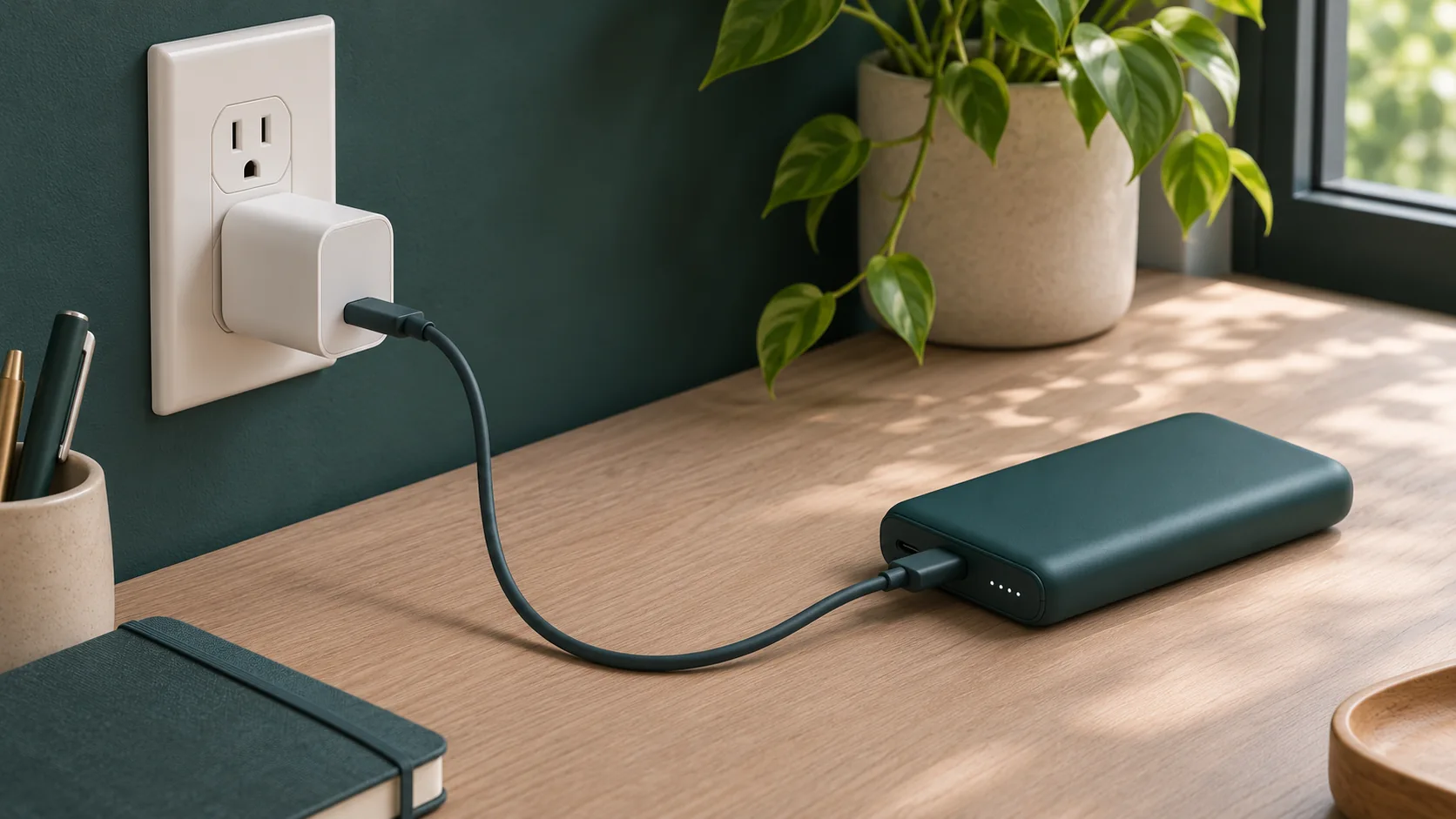
Read the input specification before buying an adapter
Find the line marked “Input” on the battery, packaging or manufacturer specification sheet. It may list more than one voltage and current. Multiply volts by amps for a theoretical maximum at each listed mode: 5 V × 3 A = 15 W; 9 V × 2 A = 18 W; 20 V × 3 A = 60 W. This arithmetic tells you what a label means; it does not prove that every adapter and cable combination will negotiate that mode. If several ports can accept input, the maximum may also depend on which port is used.
| Example pack input label | Maximum at that mode | Adapter choice to investigate | Important check |
|---|---|---|---|
| 5 V ⎓ 2 A | 10 W | Reliable 5 V USB charger | Correct input port and cable |
| 5 V ⎓ 3 A; 9 V ⎓ 2 A | 18 W | USB-C PD charger with matching 9 V mode | Confirm that the pack supports PD input |
| 5 V ⎓ 3 A; 9 V ⎓ 3 A | 27 W | 30 W class charger with compatible modes | Some products use another proprietary protocol |
| 20 V ⎓ 3 A | 60 W | Suitable PD charger and cable | Check the exact model’s input, not only its output claim |
The USB Implementers Forum explains USB Power Delivery as a system in which connected devices request the power they need. The connector shape alone is not a protocol guarantee: USB-C can be present on a slow product, while a high wattage printed beside an output port says nothing about recharge input.
Why a higher-rated charger is usually acceptable
A standards-compliant 65 W PD adapter advertises available power profiles; a compatible pack chooses one it supports. The pack’s charging controller regulates current into its cells. That is why a 20 W input pack can normally be connected to a 65 W PD adapter without receiving a continuous 65 W. The qualification matters: use reputable chargers and intact cables that meet the relevant specifications, and follow any restrictions in the pack manual. Do not infer compatibility solely from a connector fitting into a socket.
If a pack accepts a brand-specific fast-charge method rather than standard PD, a generic PD adapter may still charge it at a lower common mode. The adapter’s headline wattage is not a promise of speed. If the maker publishes a list of supported modes or a tested-adapter list, use that information before ordering a large batch.
How long should a power bank take to recharge?
Convert the battery’s nominal capacity to energy before estimating time. As a hypothetical example, 20,000 mAh at a nominal 3.7 V corresponds to 20 Ah × 3.7 V = 74 Wh at cell level. Dividing 74 Wh by 20 W gives 3.7 hours as an impossible ideal minimum if the pack could take 20 W continuously with zero loss. A real recharge takes longer because charging electronics waste energy, input power can change and current typically tapers near full charge. Without measured input power and a model-specific test, no exact completion time is defensible.
| Hypothetical steady input | Ideal 74 Wh ÷ input | Interpretation |
|---|---|---|
| 5 W | 14.8 hours | Lower bound only; actual time may be substantially longer |
| 10 W | 7.4 hours | Still excludes losses and final charge taper |
| 20 W | 3.7 hours | Possible only as an ideal calculation, not a product claim |
| 30 W | 2.5 hours | Relevant only if the pack can actually accept 30 W |
Use the calculation to rule out implausible marketing, not to predict a precise overnight result. A 30 W charger connected to a 10 W input pack belongs in the 10 W row. To compare real models, ask for a recharge curve or at least a test that states charger, cable, starting state of charge, room temperature and end criterion.
Three bottlenecks that make a good adapter feel slow
1. The pack’s own limit
Input power and output power are separate specifications. A pack that advertises 65 W laptop output may accept much less when charging itself. Read both lines. For a high-output product such as the 20,000 mAh solar power bank, request the exact model sheet before assuming any particular recharge wattage.
2. The cable and connector
A worn connector, unsuitable cable or unsupported USB-C cable rating can constrain or interrupt a charging session. Inspect for frayed insulation, bent contacts, loose seating or unusual warmth. USB-IF’s cable and connector guidance distinguishes cables by certified power capability. For ordinary 10–30 W charging, a suitable intact USB-C cable is usually straightforward; at higher power, confirm its marked rating.
3. Shared charger power
Multiport adapters may redistribute total output when another device is connected. For troubleshooting, disconnect other devices and test one port. Check the adapter’s per-port ratings rather than its total printed wattage. A laptop USB port, car adapter or power strip with a built-in USB socket may offer different capabilities from a dedicated PD wall charger.
A repeatable troubleshooting sequence
- Check that the cable enters a documented input port on the power bank.
- Read the pack’s supported input modes and compare them with the charger’s per-port modes.
- Try an intact, appropriately rated cable and a known working outlet.
- Disconnect other devices from a multiport adapter; note any power redistribution.
- Observe whether the pack is already near full or unusually hot, both of which can affect charging behavior.
- If the pack remains unresponsive, follow its manual and contact the manufacturer. Stop using damaged or swollen batteries.
Do not open a lithium battery to diagnose a slow charger. The power bank safety guide explains warning signs and disposal routes. A simple USB power meter can help a technician compare input conditions, but it must be rated for the expected voltage and current; a displayed instantaneous wattage does not establish a full recharge curve.
What should an OEM buyer ask the factory?
Specify the exact cell configuration, maximum input power and supported protocol profiles, then request measurements with a named charger and cable. Ask for a charging curve, temperature conditions, test sample revision and any protection behavior at the end of charge. If you plan to bundle an adapter, confirm both the adapter’s applicable market approvals and the pair’s tested behavior. A drawing or product photo cannot verify electrical compatibility.
Compare the SH-903 10,000 mAh model with the 20,000 mAh option as starting points for a specification request. Capacity alone does not determine recharge speed. Ask us for the current model-specific input table and test conditions before placing a bulk order.
Frequently asked questions
Can I use a laptop charger for a power bank?
Often yes if both sides support a common USB-C PD mode and the cable is suitable. A 65 W label on the laptop charger does not mean the pack receives 65 W. Check the pack’s input specifications and any manufacturer restrictions.
Does a 30 W adapter charge every pack faster than a 20 W adapter?
No. Speed rises only if the power bank accepts a higher compatible input mode and does not reduce it for thermal or charge-state reasons.
Is USB-A input the same as USB-C input?
No. Some packs use USB-A only for output. Some USB-C ports accept both directions; others have limitations. The labeling and manual for the exact model decide which cable path works.
Sources and method
This is an explanatory buying guide, not a laboratory test of a named pack. The voltage × current and watt-hour examples are explicit hypothetical calculations. Technical references: USB-IF, USB Power Delivery and USB-IF, cables and connectors. Check the manufacturer’s current model sheet before relying on a charging-time or compatibility claim.